Sales proposals
Give your proposal a next step.
Share the work behind your pitch. Choose how people access it, collect an introduction and use the activity to shape your follow-up.
Start on Free. Custom branding and full analytics on Pro and above.
01
Start with an introduction.
Choose lead capture to ask for contact details before access. Email is required; add name, company or job title to suit your conversation. Submitted details identify a contact; other views can be anonymous.
02
Follow up with context.
Check recorded visits, downloads and submitted forms alongside what you already know about the deal. Use that context to offer help or arrange the next conversation.
03
Keep access up to date.
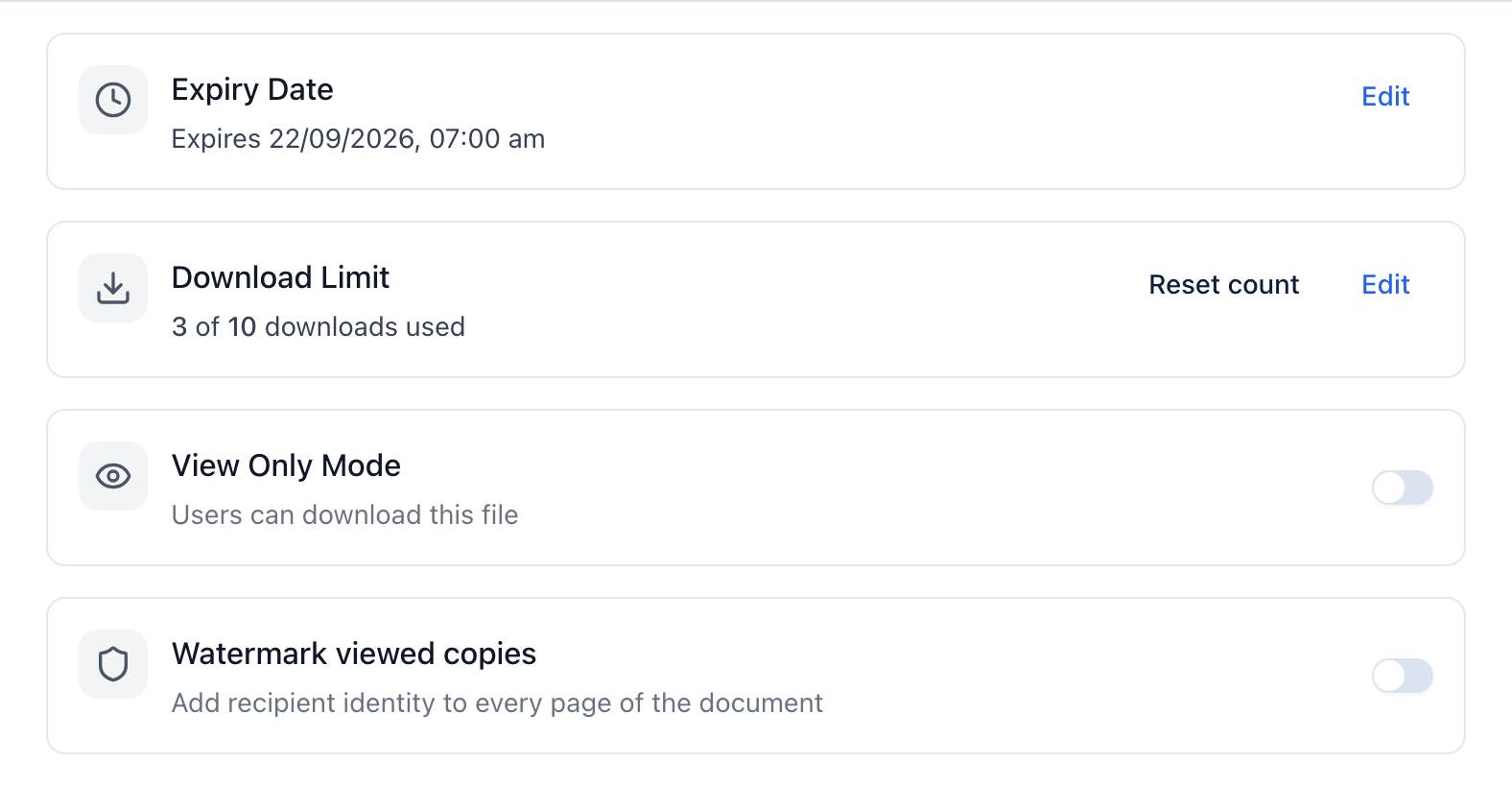
Set an expiry date, cap downloads or pause the link when the proposal changes. These settings control future access; they cannot take back a copy someone has already downloaded.
A little more detail
Good questions.
How does GateDocs help with sales proposals?
Upload your proposal, choose a lead form or password and share the link. Recipients can access it without a GateDocs account. Your dashboard shows recorded activity and contact details from submitted forms.
What plan do I need for sales proposals?
Free includes password protection, link expiry, download limits and basic analytics. Lead capture includes 3 gated links and 50 leads a month. Pro and above removes those lead limits and adds full analytics, your branding and a custom domain. Compare plans for current prices in your currency.
See current pricingDoes a view mean the buyer has read my proposal?
A view records a visit to the shared file page. It does not prove that someone read your proposal, and it can be anonymous. Downloads and submitted forms are recorded separately.