Client deliverables
A clear handover. A place to send work back.
Bring the proposal, report and final files into one shared Space. When you need something from your client, give them a file request link.
Single-file sharing on Free. Spaces, branding and file requests on Pro and above.
01
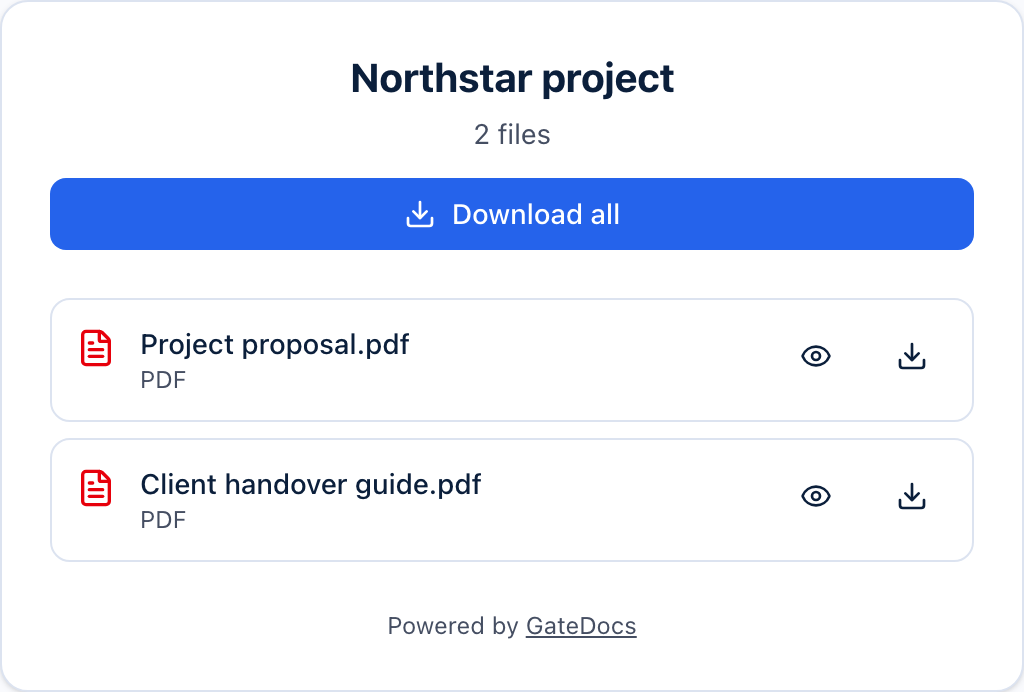
Bring the handover together.
Use a Space to share a collection through one recipient page. On Pro and above, add your logo, colours and custom domain for a consistent client experience.
02
Collect the missing pieces.
Send a file request from the Space. Your client enters their name and email and uploads without an account. Review incoming files; they stay out of the recipient collection until you choose Add to space.
03
Keep the conversation moving.
Check recorded visits and downloads when you follow up. A visit alone does not confirm that the client read or accepted the work. Use the activity as context for your next check-in.
A little more detail
Good questions.
How does GateDocs help with client deliverables?
Share an individual file or collect related files in a Space. Your client can access the shared page without a GateDocs account. File requests give them a way to send documents back for your review.
What plan do I need for client deliverables?
Free includes single-file sharing with password protection, expiry dates, download limits and basic analytics. Pro and above adds shared Spaces, file requests, your branding and a custom domain. Compare plans for current prices in your currency.
See current pricingDo files sent by my client appear in the Space automatically?
No. Received files arrive in your library for review. They do not appear to Space visitors until you choose Add to space from the Requests tab.